 Notivault
Full notification history
Every alert your device posts is saved to a timeline you can scroll back through — grouped by day, kept as long as you want.
Notivault keeps a private, searchable history of every notification your phone receives — so a stray swipe never costs you an OTP, a message, or a delivery update.
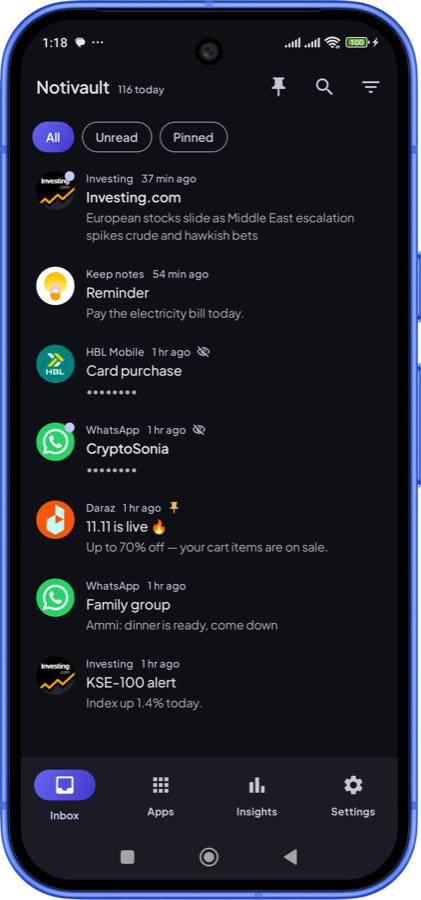
Capture, search, and revisit notifications long after they leave the shade.
Every alert your device posts is saved to a timeline you can scroll back through — grouped by day, kept as long as you want.
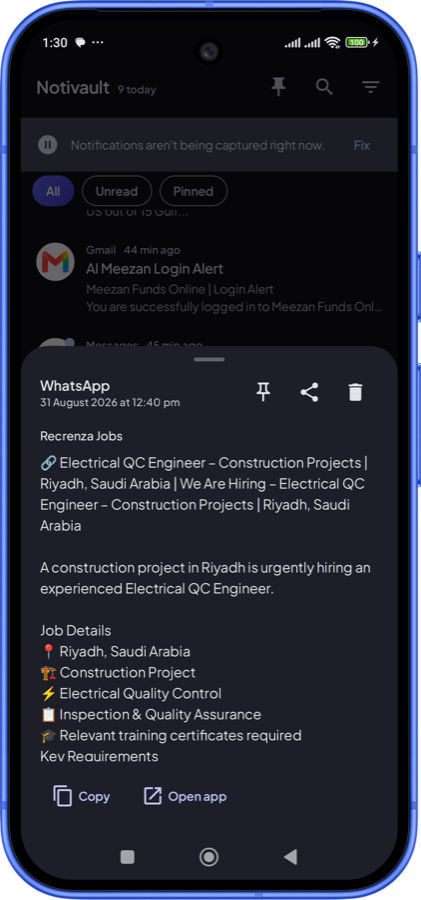
Find that message, code or order number instantly. Filter by app, by date, by category or by unread.
History never leaves your phone. Sensitive previews such as OTP codes and private messages are masked in the list.
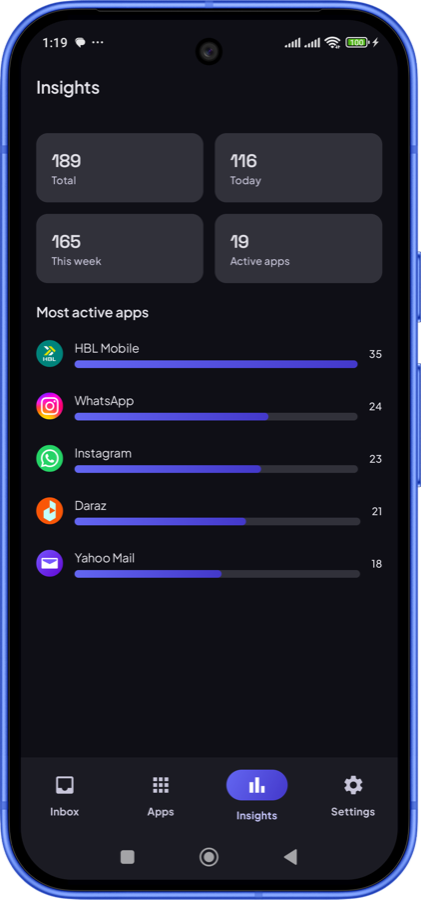
See which apps notify you the most and when, so you can silence the noisy ones.
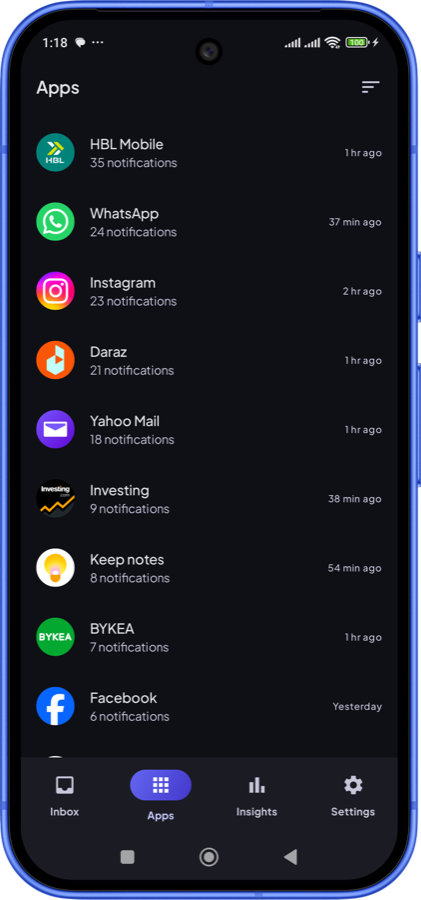
Open any app to see just its notifications, with counts and last-active time at a glance.
Save your history as CSV, JSON or TXT through the system file picker — the file is yours.
Most notification loggers are a privacy liability. Notivault is built the opposite way: the content of your notifications is stored only in the app's private on-device storage.
Swipe through the app.
No account required either way.
It saves everything from the moment you grant notification access onward. It can't recover notifications received before that — Android simply doesn't keep them.
Yes. The content of your notifications is stored only in the app's private on-device storage. It's never uploaded, never sent to the developer, and is walled off from the ads and analytics SDKs. Sensitive previews such as OTP codes are masked in the list.
Yes. Notivault self-heals the notification listener and includes a guided keep-alive setup for aggressive Android skins like MIUI, ColorOS and Funtouch, which otherwise stop background services.
Android 8.0 (Oreo) and newer.
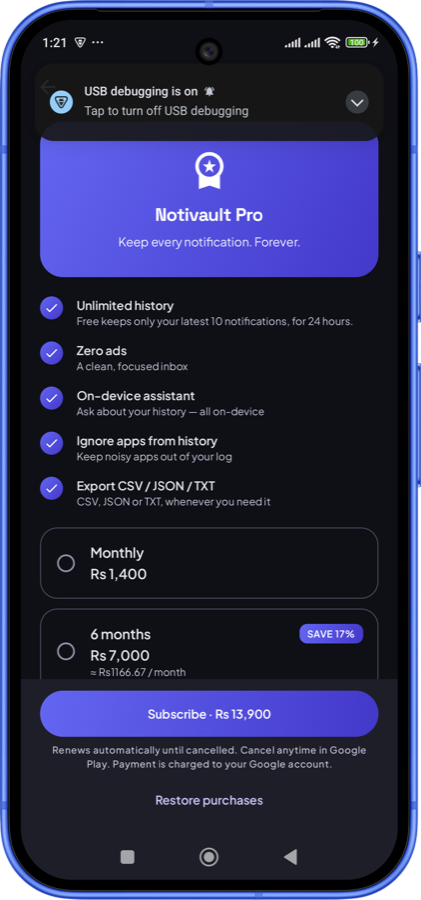
Yes, the app is free and ad-supported. The optional Notivault Pro subscription (monthly, 6-month or annual) removes ads, lifts the free history limit, and unlocks the on-device assistant and app-ignore list.
No. Capture work is lightweight and runs off the main thread, and nothing is sent over the network, so there's no constant background traffic.